


Static and dynamic segments
Build and deploy precision target audiences in under 2 minutes:
STEP 1
Choose Your Segment Type (Basic Information)
Navigate to Segments, click Create Segment, name your audience, and choose between a Static Segment (fixed imported list) or a Dynamic Segment (auto-updating based on rules). Select your update frequency (One-time or Automatic Daily Updates).
STEP 2
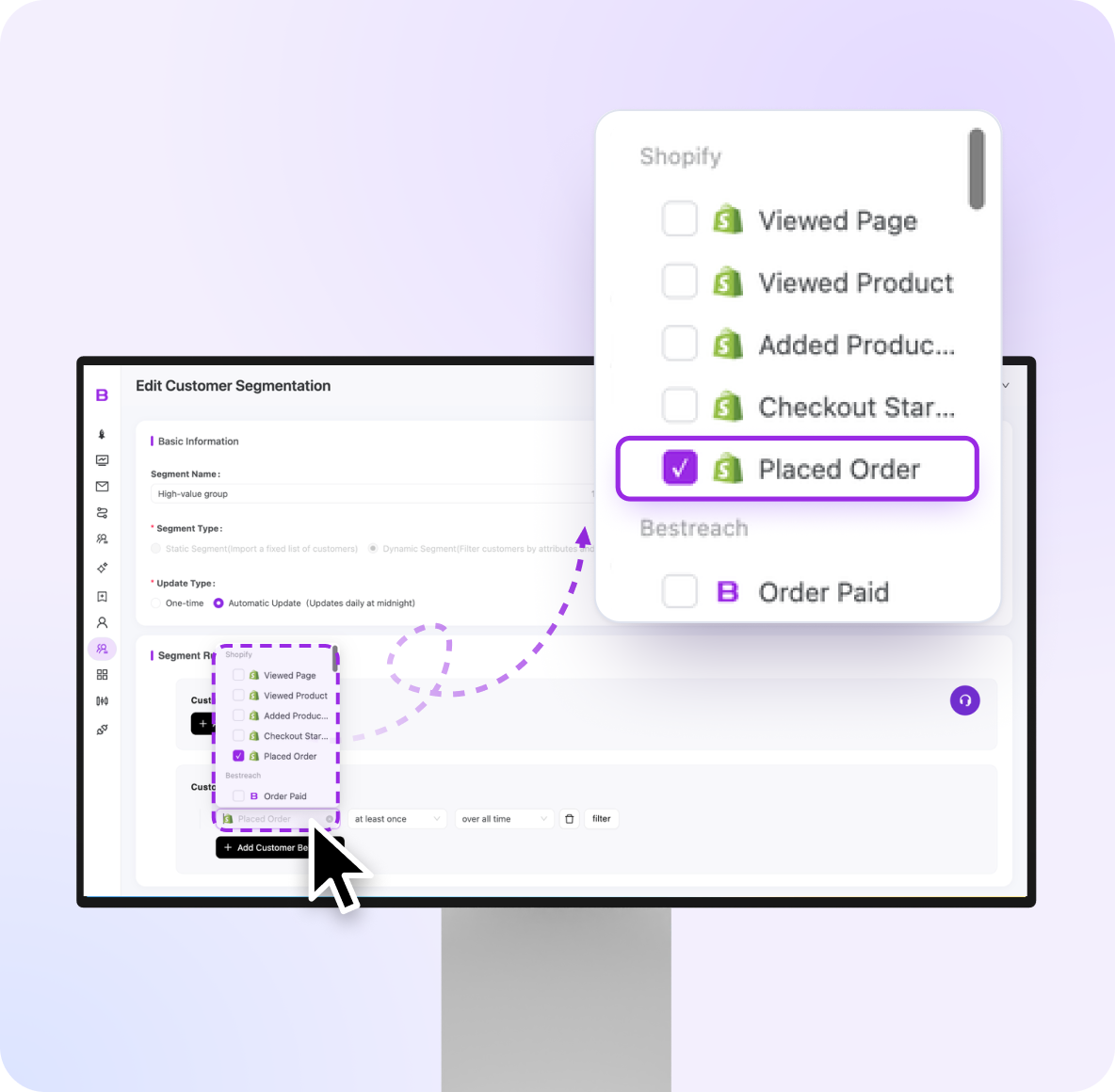
Define Rules & Behavioral Filters (Segment Rules)
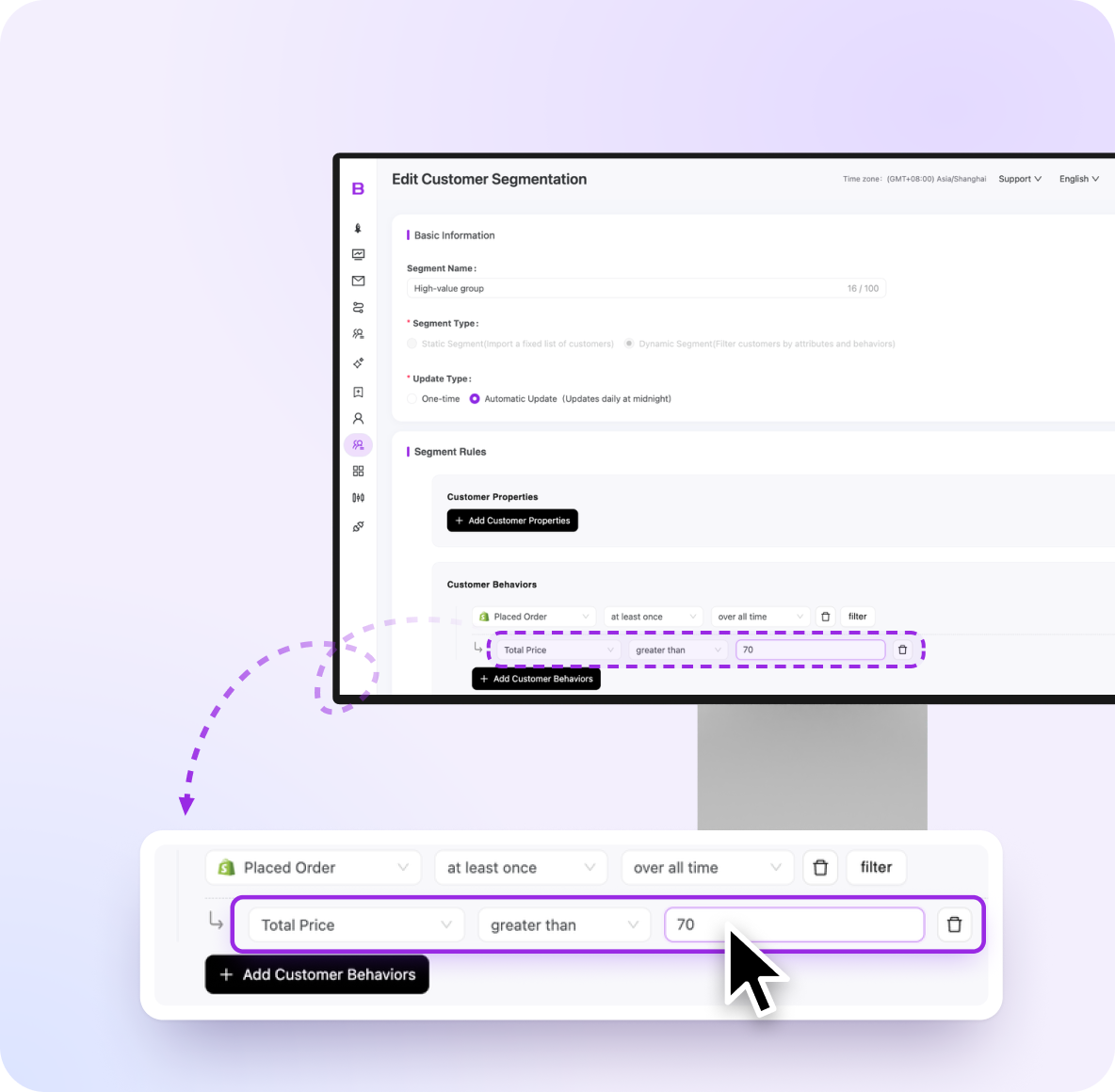
Set up your targeting criteria. Add Customer Properties or leverage powerful Customer Behaviors. Choose from a rich dropdown of multi-events (e.g., Viewed Product, Added to Cart, Placed Order), and configure frequency and timeframe filters (e.g., at least once over all time).
STEP 3
Submit & Engage (Submit)
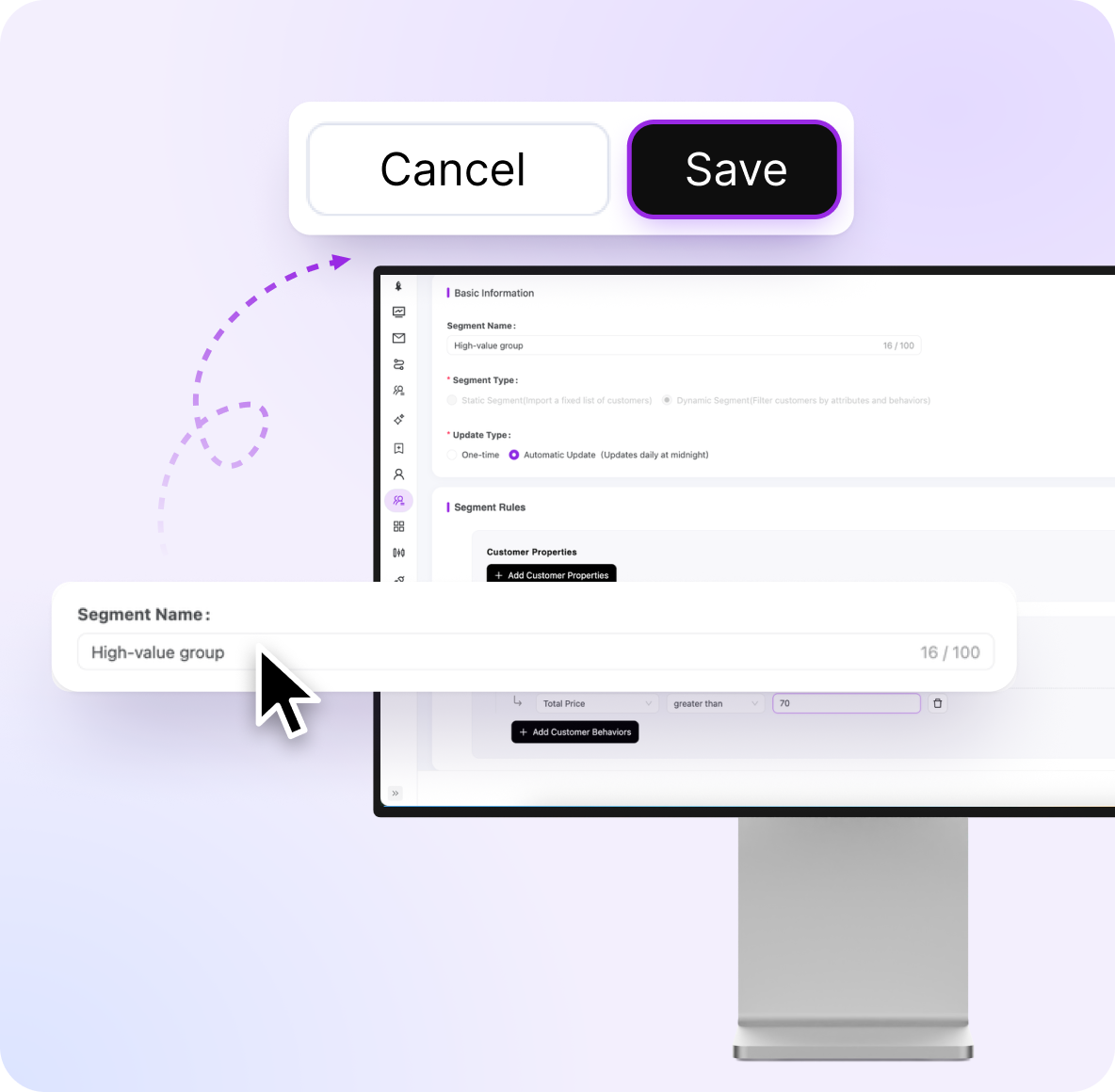
Review your segment configuration, click Submit, and instantly put your targeted audience to work in your next high-converting email campaign or automated flow.
Was this guide helpful?